Gymnasium
Gymnasium is a community-driven toolkit for DRL, developed as an enhanced and actively maintained fork of OpenAI’s Gym by the Farama Foundation. It provides a standardized interface for building and benchmarking DRL algorithms while addressing the limitations of the original Gym. Gymnasium retains backward compatibility with Gym while introducing significant improvements to modernize the toolkit.
Official documentation: https://gymnasium.farama.org/.
备注
Gymnasium is a community-driven fork of OpenAI’s Gym, actively maintained by the Farama Foundation. It offers enhanced APIs, richer info outputs, clear termination criteria, and modern Python support. Unlike Gym, whose updates have slowed, Gymnasium ensures compatibility with new RL libraries, improved documentation, and ongoing support for future advancements. You can visit original Gym’s documentation from this link: https://www.gymlibrary.dev/
Classic Control
Overview
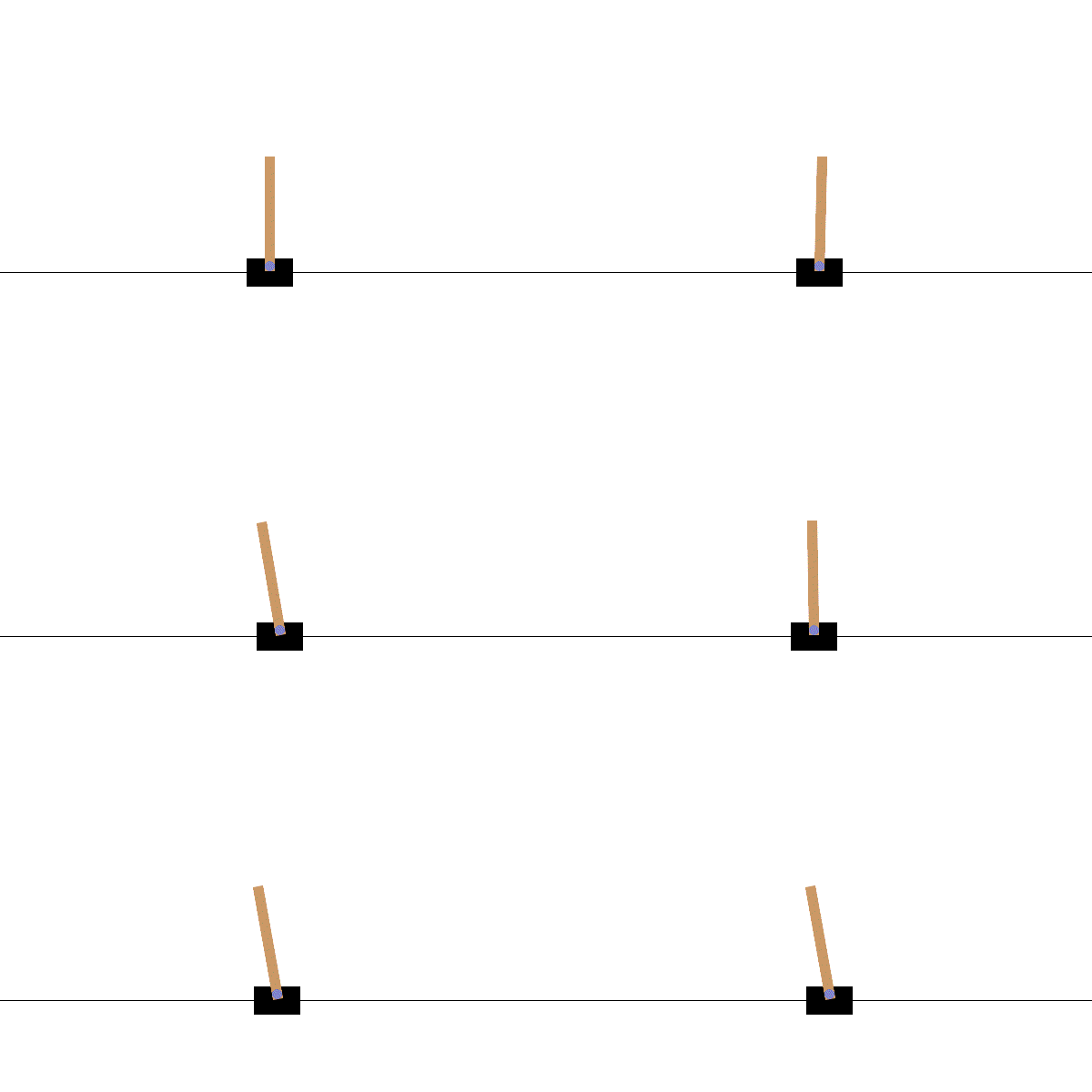
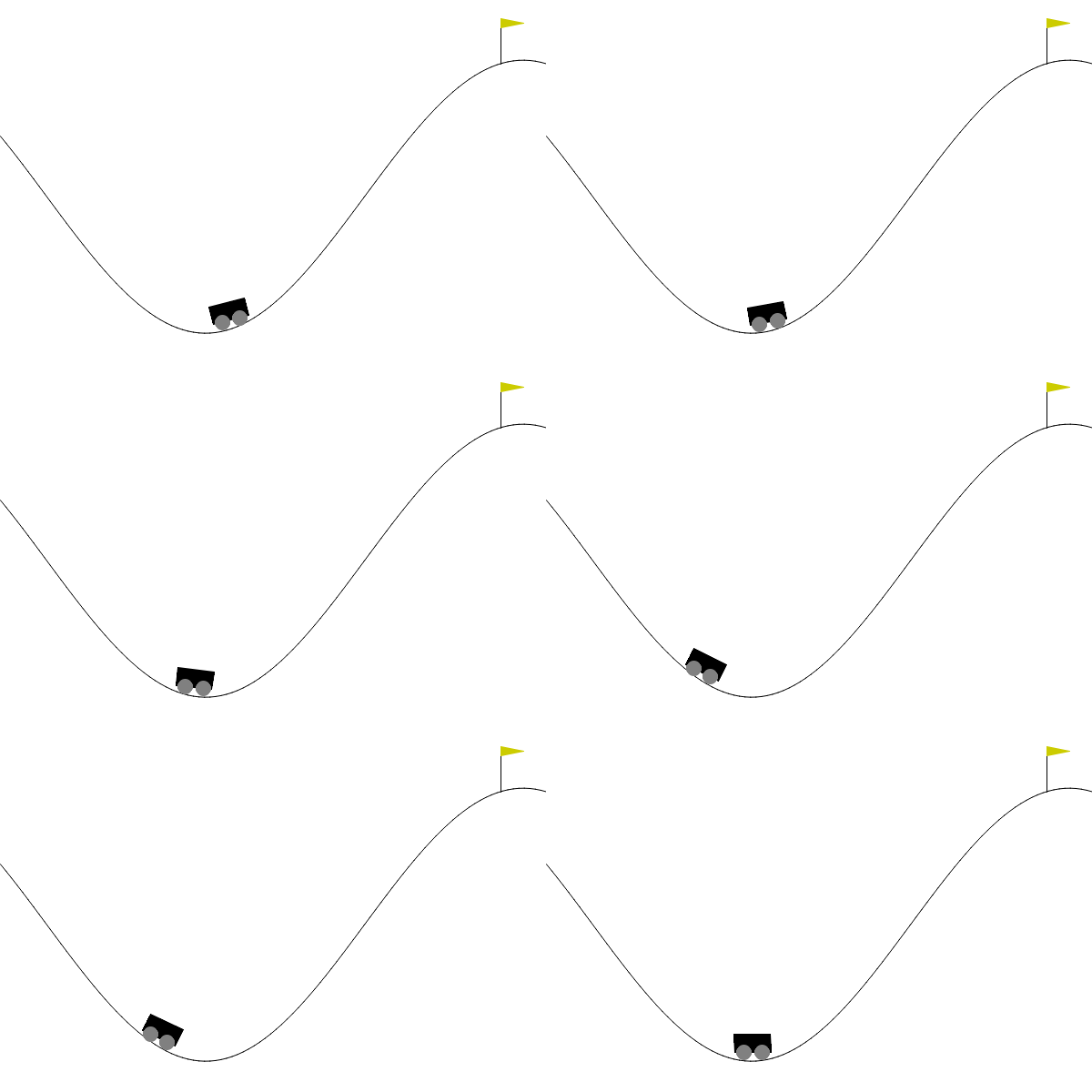
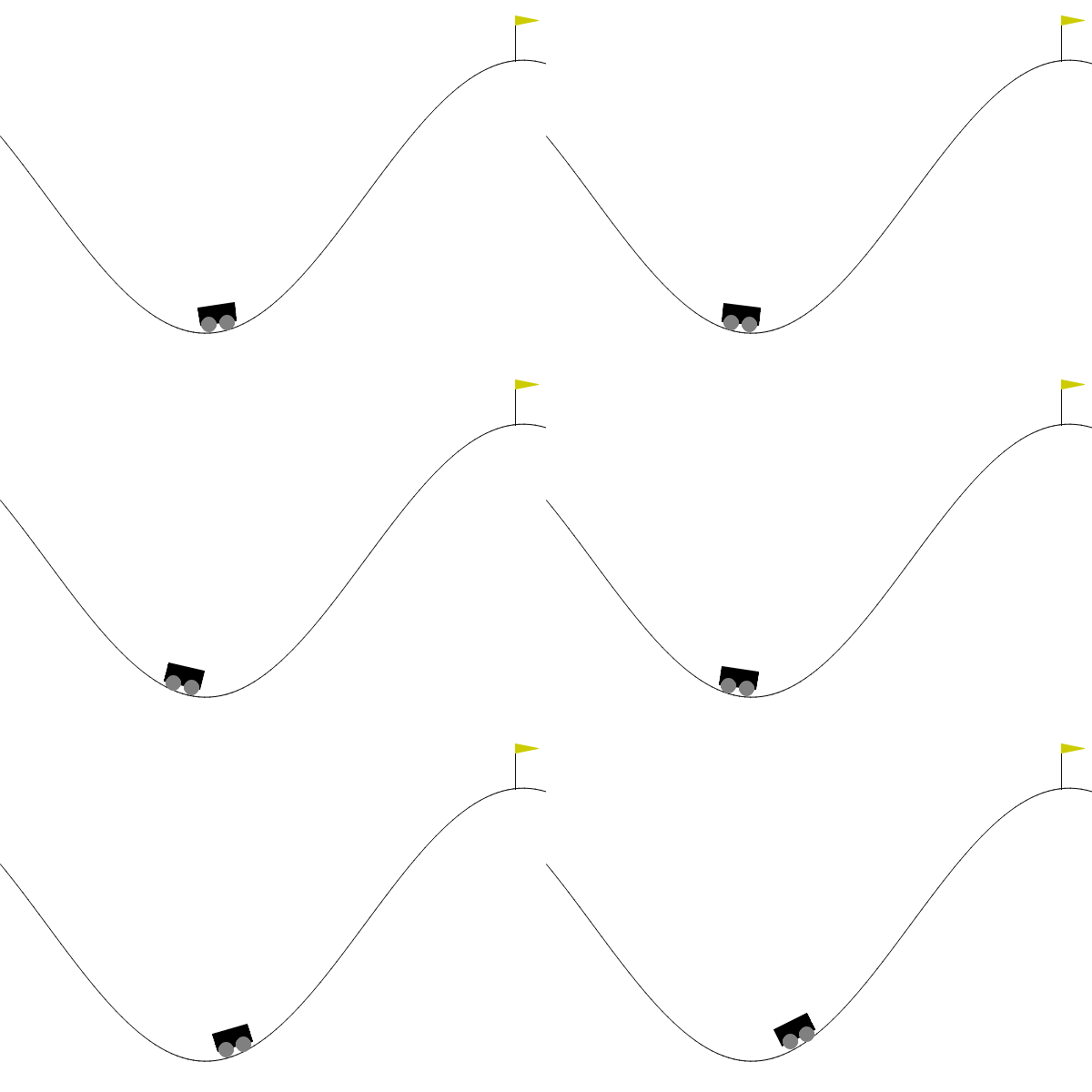
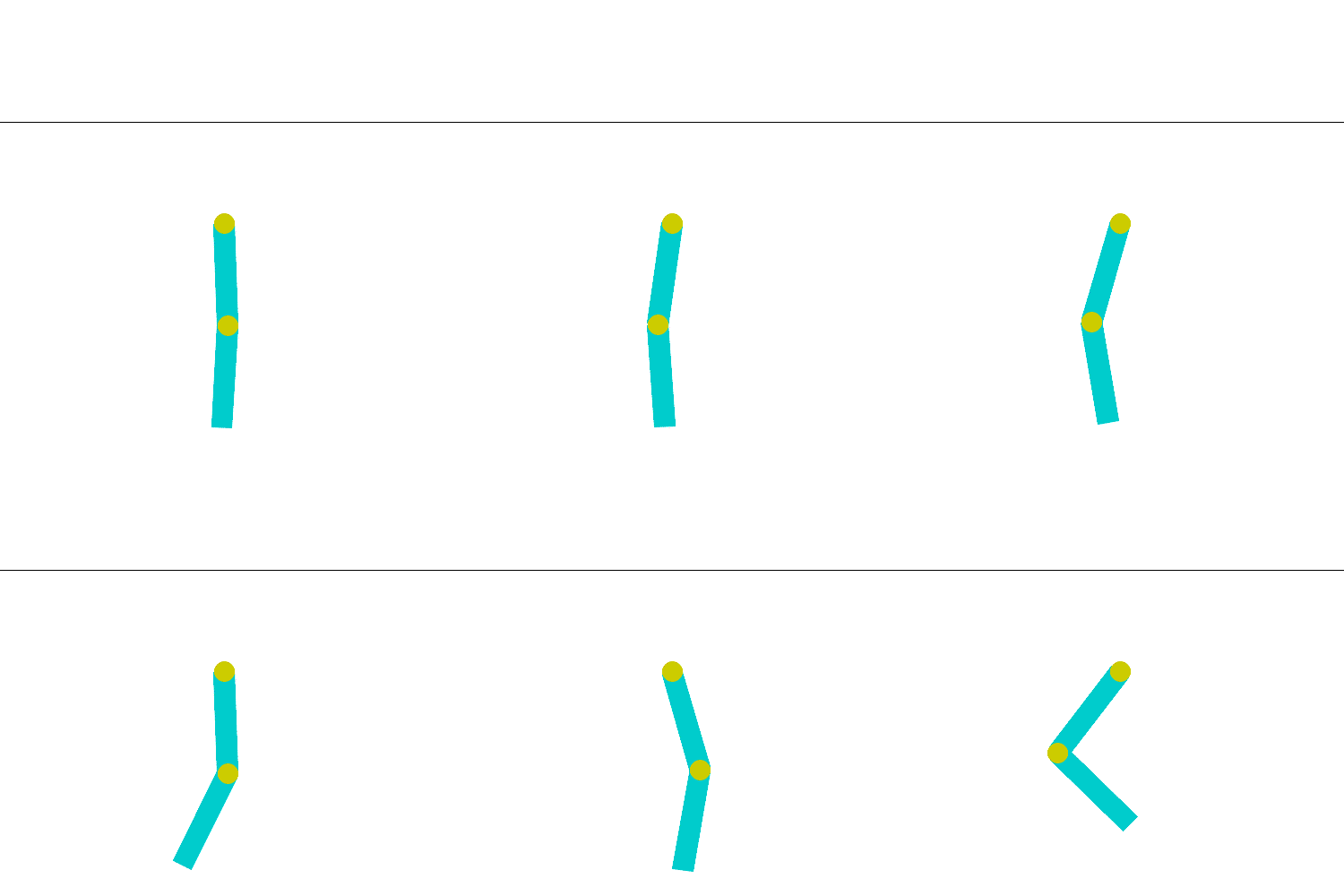

Features
The Classic Control environment contains five scenarios: CartPole, Mountain Car Continuous, Mountain Car, Acrobot, Pendulum. These five tasks are usually used as preliminary verification for a DRL algorithm. The key features of each scenario are summarized in the table below:
Env-id |
Observation Space |
Action Space |
|---|---|---|
CartPole-v1 |
|
|
MountainCarContinuous-v0 |
|
|
MountainCar-v0 |
|
|
Acrobot-v1 |
|
|
Pendulum-v1 |
|
|
Arguments
In XuanCe, the arguments for running Classic Control environment are listed below.
Arguments |
Value/Description |
|---|---|
|
“Classic Control” |
|
The env-id. |
|
Choose the method to vectorize the environment. |
|
The number of environments that run in parallel. |
|
The env-seed for the first environment of vectorized environments. |
|
The render mode to visualize the environment, default is “human”. Choices: “human”, “rgb_array”. |
Run in XuanCe
In XuanCe, if you want to run the Classic Control environment, you can specify the arguments in your config file. For example:
env_name: "Classic Control"  # The name of classic control environment.
env_id: "CartPole-v1"  # The env-id of the tasks in classic control environment.
env_seed: 1  # The random seed of the task.
vectorize: "SubprocVecEnv"  # Choose the method to vectorize the environment.
parallels: 10  # The number of environments that run in parallel.
render_mode: "rgb_array"  # The render mode.
You can also make the environments in the Python console to have a test:
from xuance import make_envs
from argparse import Namespace
envs = make_envs(Namespace(env_name="Classic Control",
                           env_id="CartPole-v1",
                           vectorize="DummyVecEnv",
                           parallels=1,
                           env_seed=1))
envs.reset()
To run a DRL demo with Classic Control environment, you can see the Quick Start.
Box2D
Overview
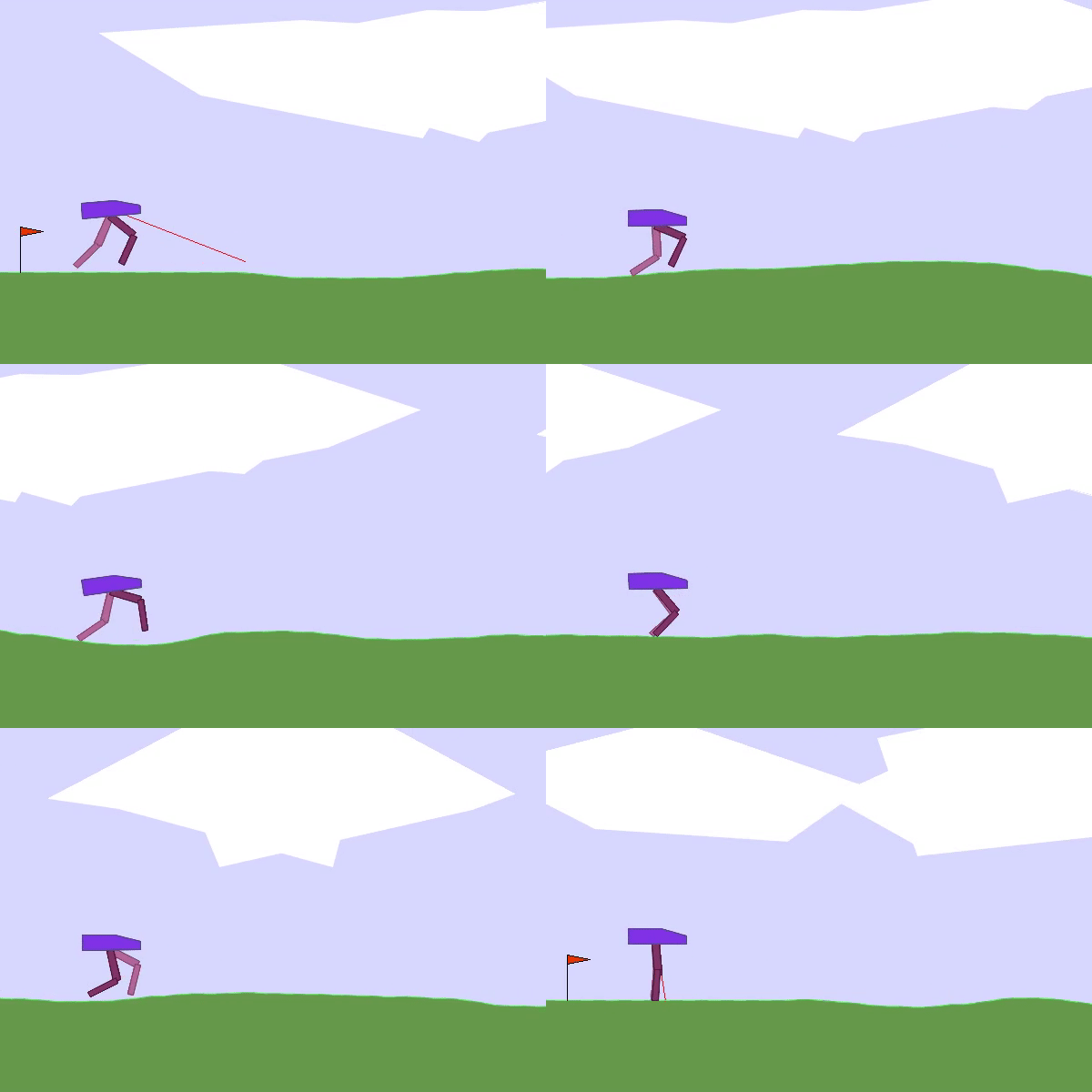
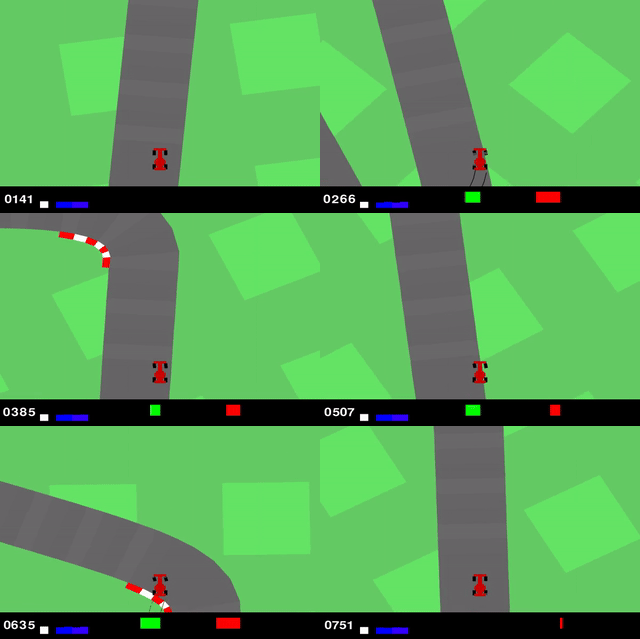
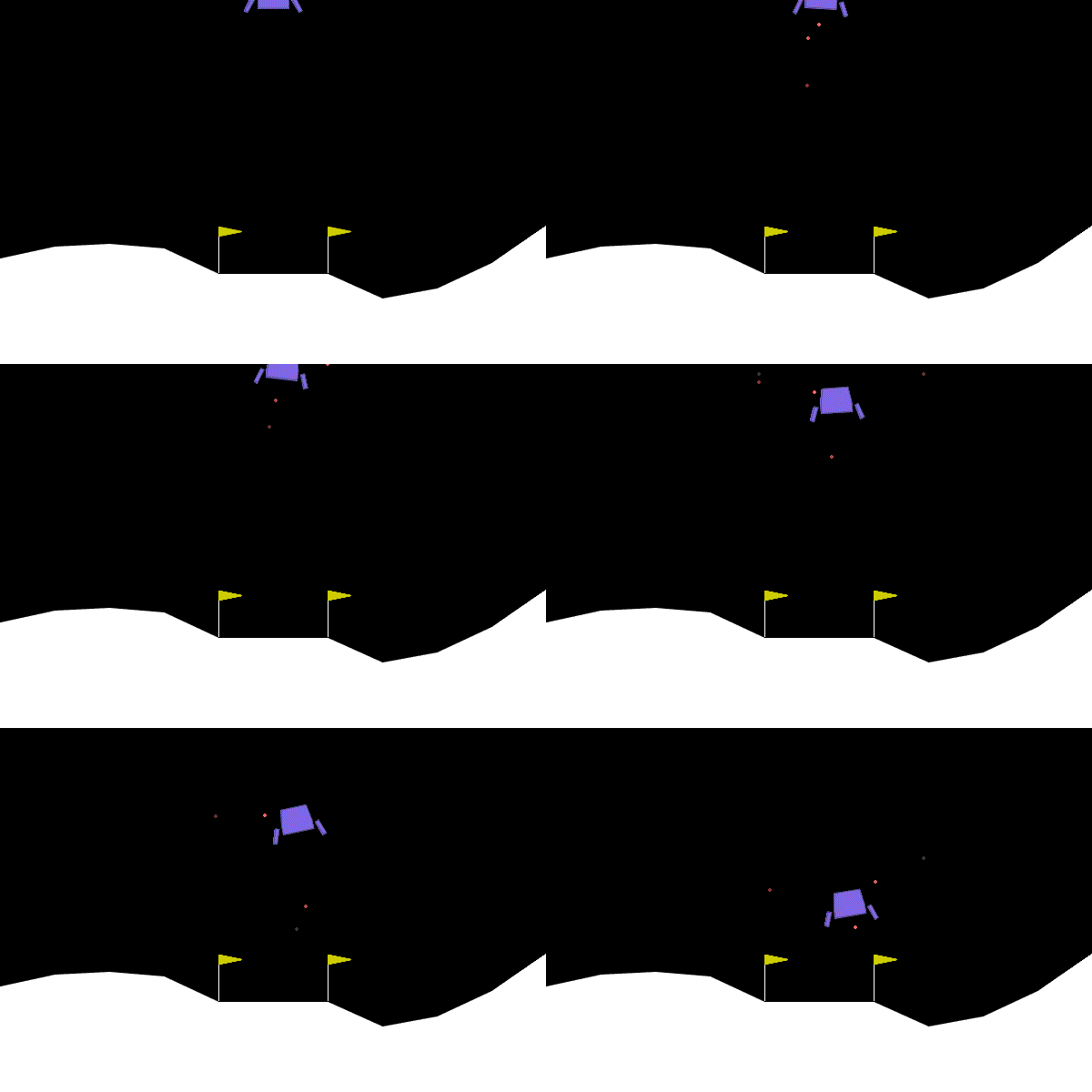
Features
The Box2D environment is built using box2d for physics control. It contains three different scenarios: Bipedal Walker, Car Racing, Lunar Lander. The key features of each scenario are summarized in the table below:
Env-id |
Observation Space |
Action Space |
|---|---|---|
BipedalWalker-v3 |
|
|
CarRacing-v2 |
|
|
LunarLander-v2 |
|
|
Installation
The Box2D environment is not included with the installation of XuanCe. As an external package, it needs to be installed separately.
pip install swig
pip install gymnasium[box2d]
备注
If you’re using macOS and encounter the following error:
zsh: no matches found: gymnasium[box2d]
You can resolve it by typing the command as follows:
pip install 'gymnasium[box2d]'
Arguments
In XuanCe, the arguments for running Box2D environment are listed below.
Arguments |
Value/Description |
|---|---|
|
“Box2D” |
|
The env-id. |
|
Choose the method to vectorize the environment. |
|
The number of environments that run in parallel. |
|
The env-seed for the first environment of vectorized environments. |
|
The render mode to visualize the environment, default is “human”. Choices: “human”, “rgb_array”. |
|
Determines if discrete or continuous actions will be used. (Only CarRacing-v2 and LunarLander-v2 have this argument.) |
Run in XuanCe
In XuanCe, if you want to run the Box2D environment, you can specify the arguments in your config file. For example:
env_name: "Box2D"  # The name of classic control environment.
env_id: "BipedalWalker-v3"  # The env-id of the tasks in classic control environment.
env_seed: 1  # The random seed of the task.
vectorize: "SubprocVecEnv"  # Choose the method to vectorize the environment.
parallels: 10  # The number of environments that run in parallel.
render_mode: "rgb_array"  # The render mode.
You can also make the environments in the Python console to have a test:
from xuance import make_envs
from argparse import Namespace
envs = make_envs(Namespace(env_name="Box2D",
                           env_id="BipedalWalker-v3",
                           vectorize="DummyVecEnv",
                           parallels=1,
                           env_seed=1))
envs.reset()
To run a DRL demo with Box2D environment, you can refer to the Quick Start.
MuJoCo
Overview
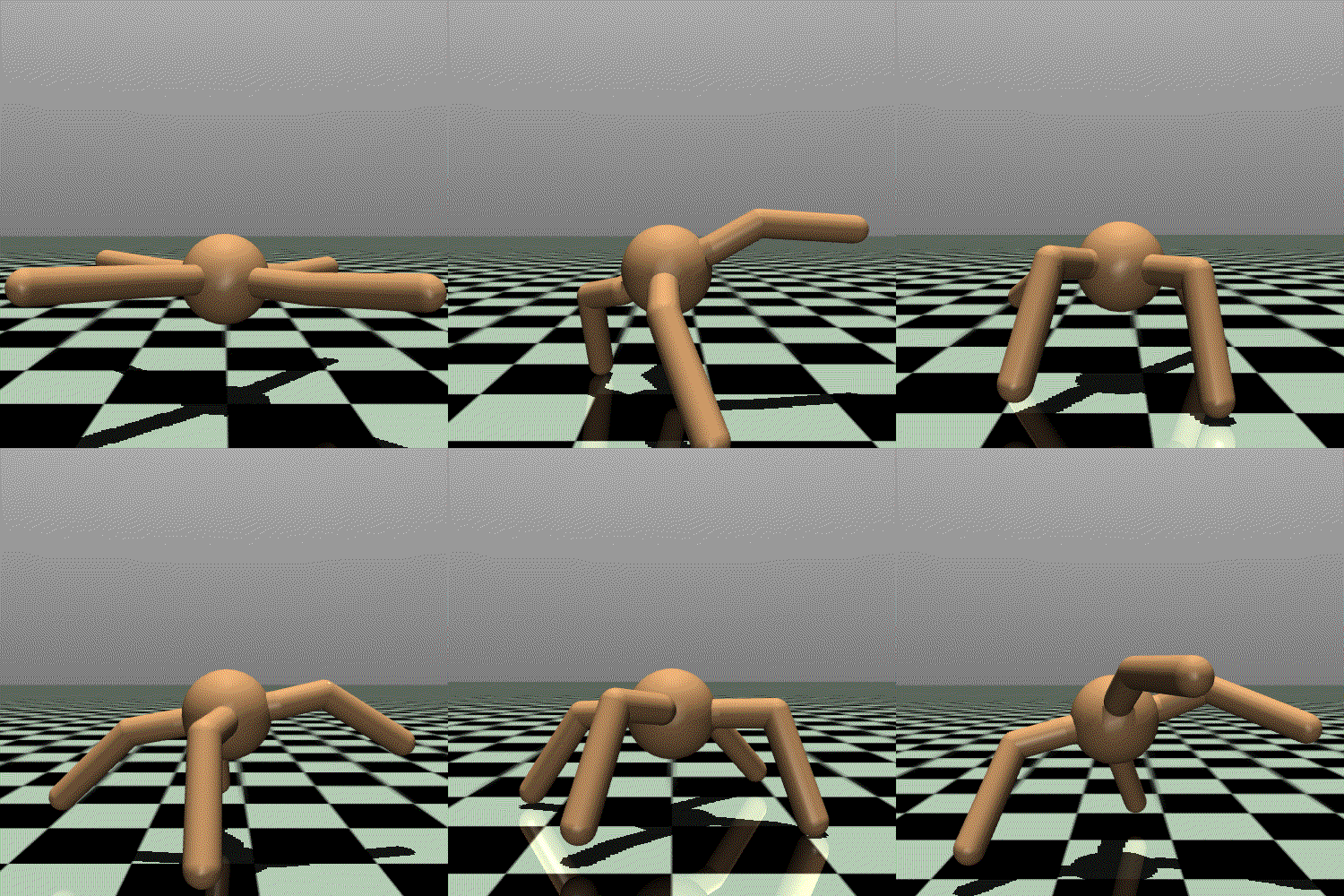
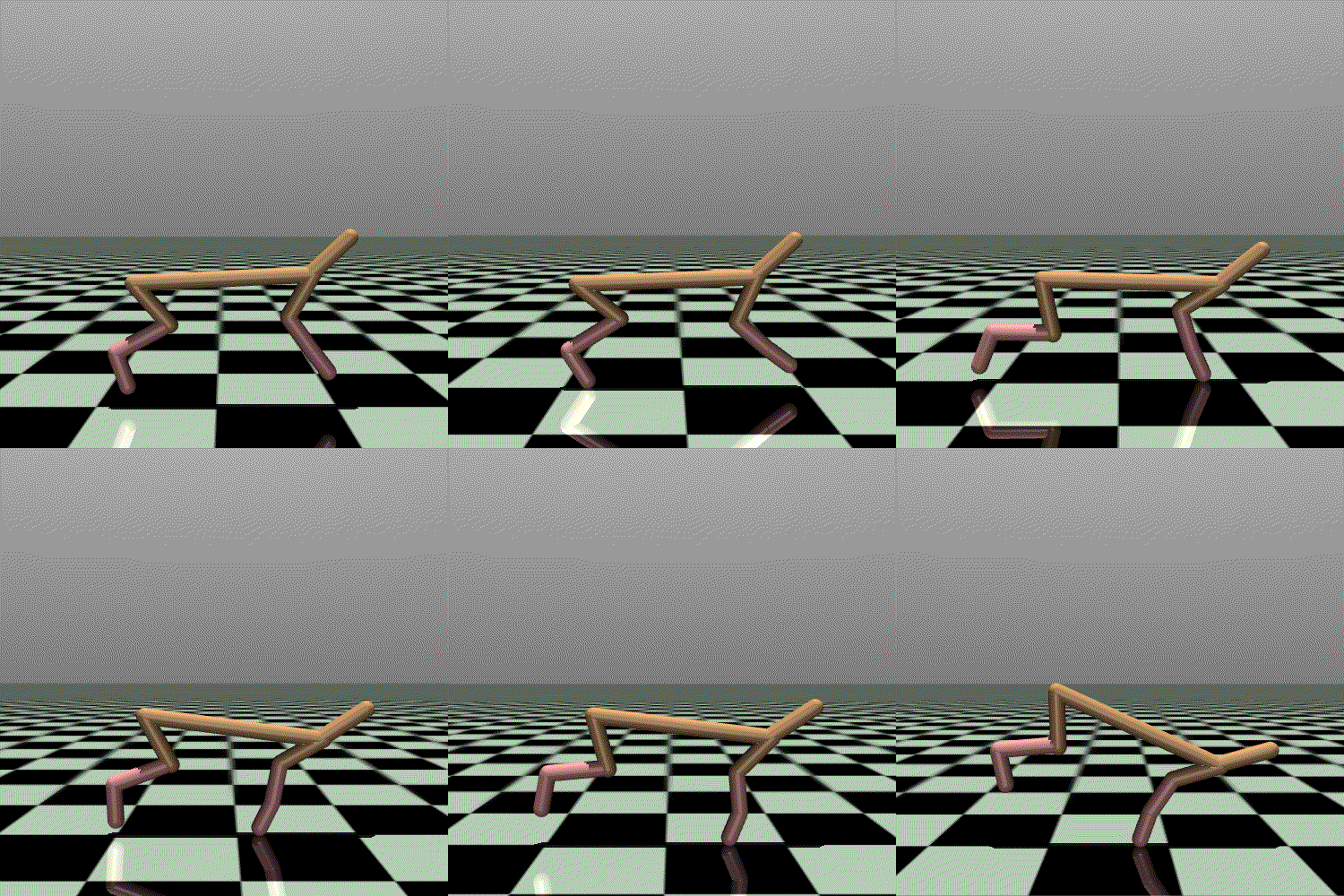
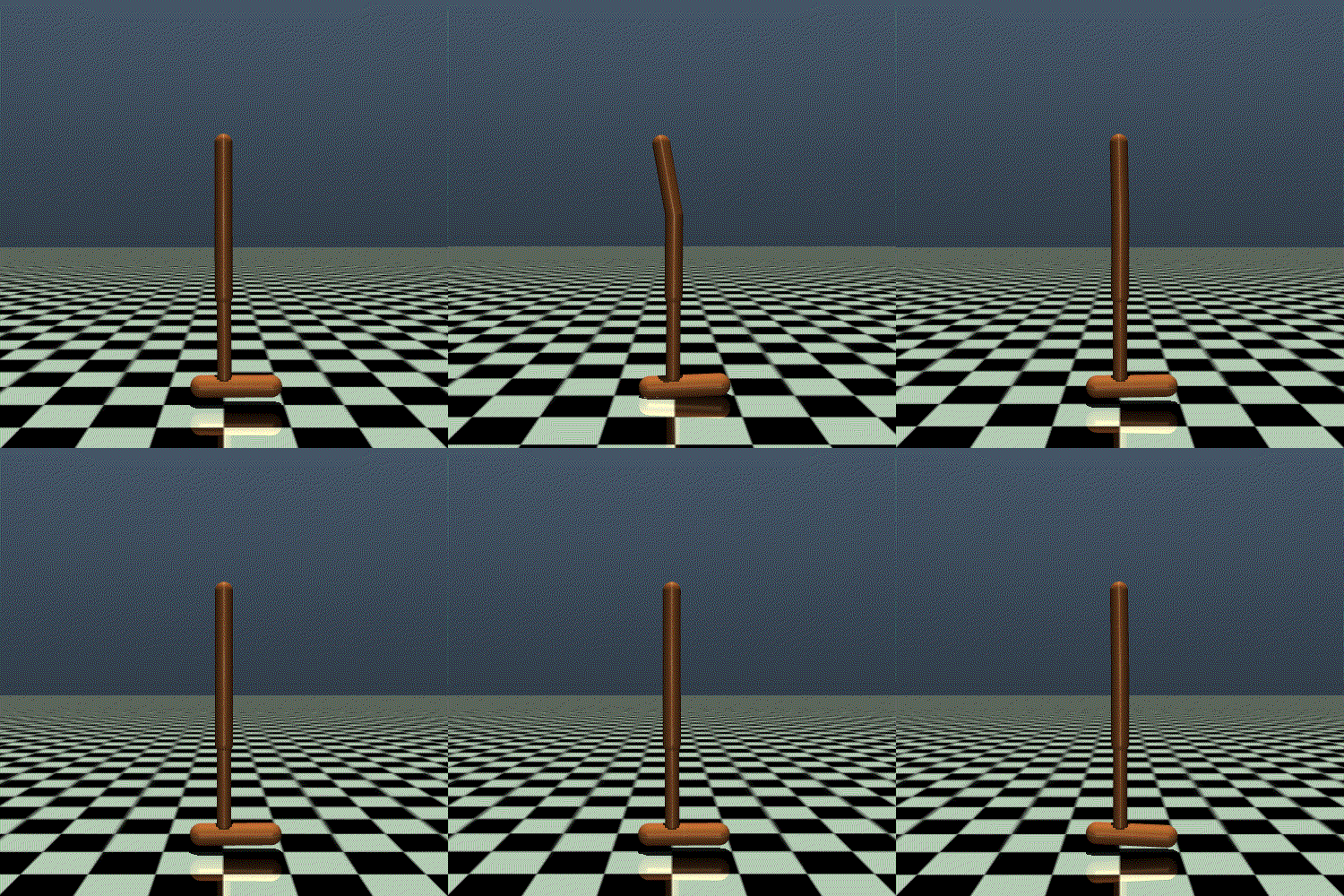
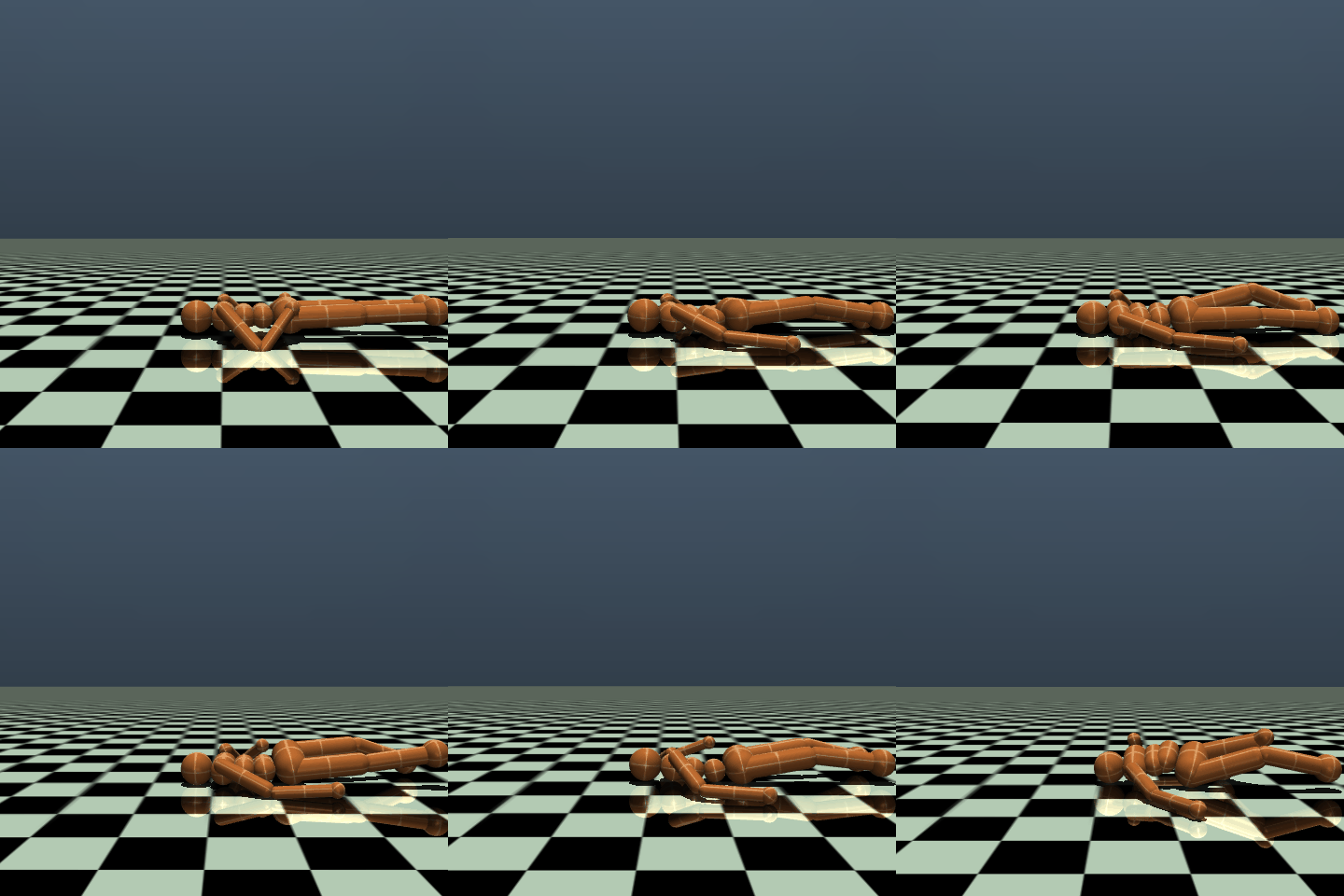
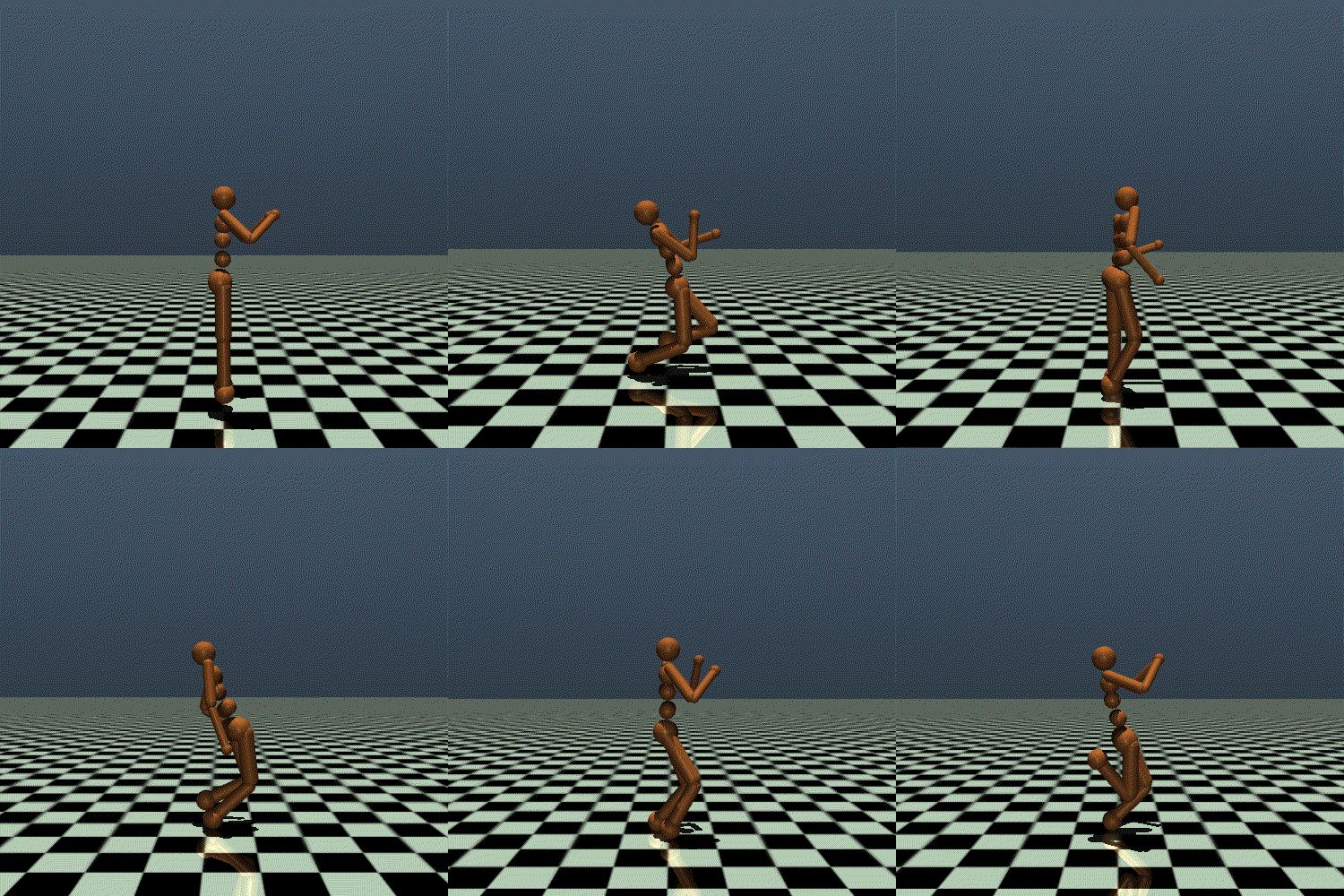
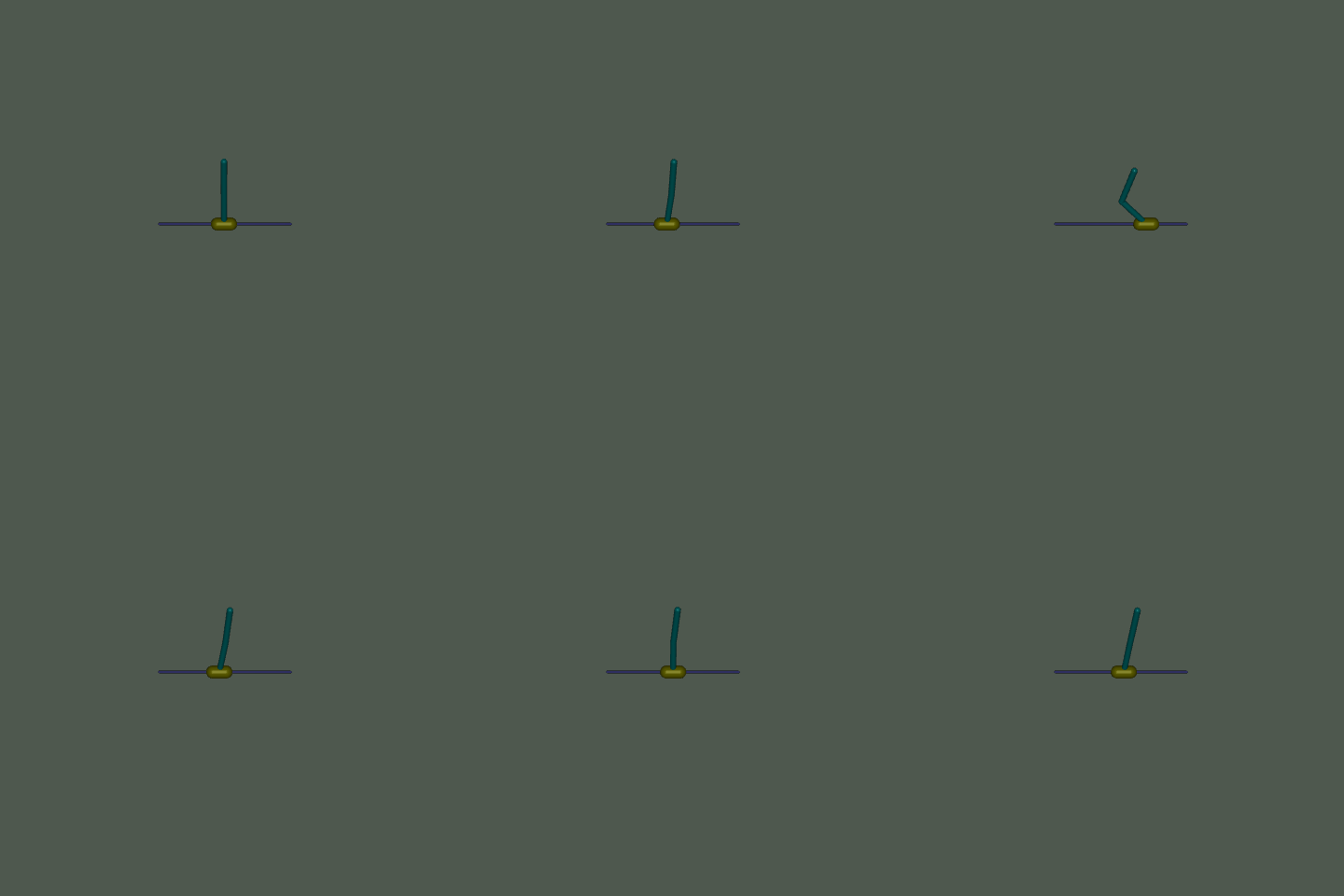
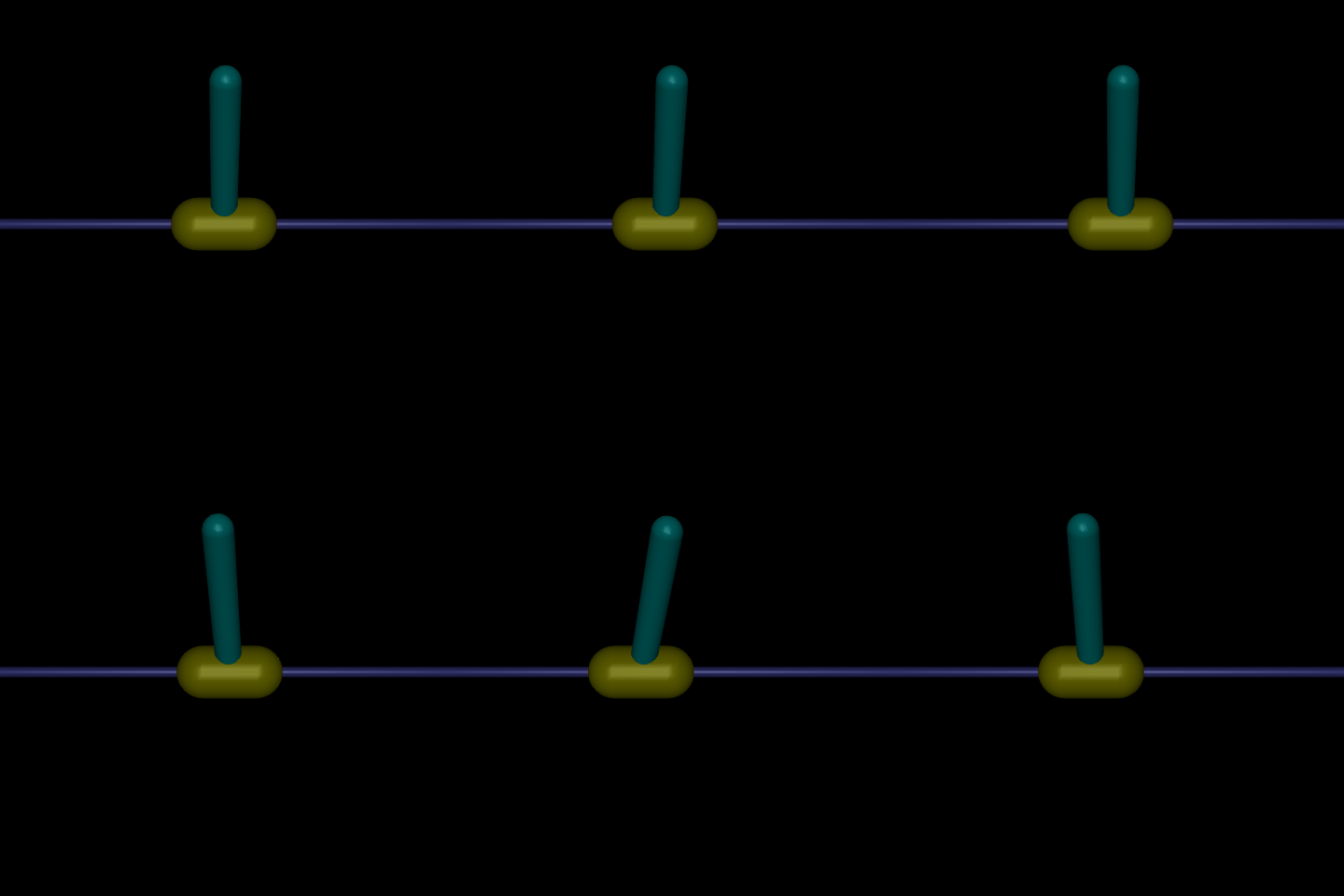
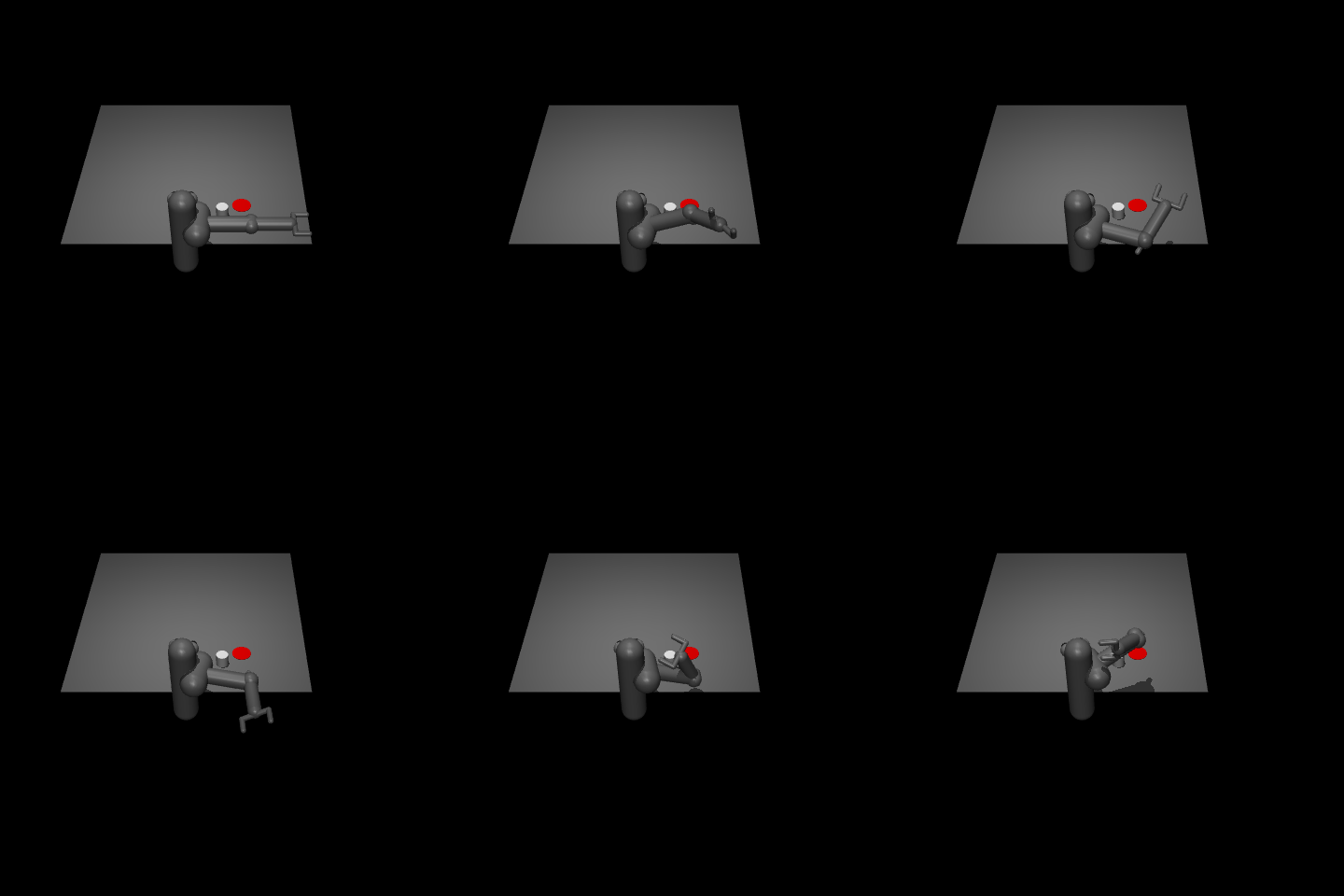
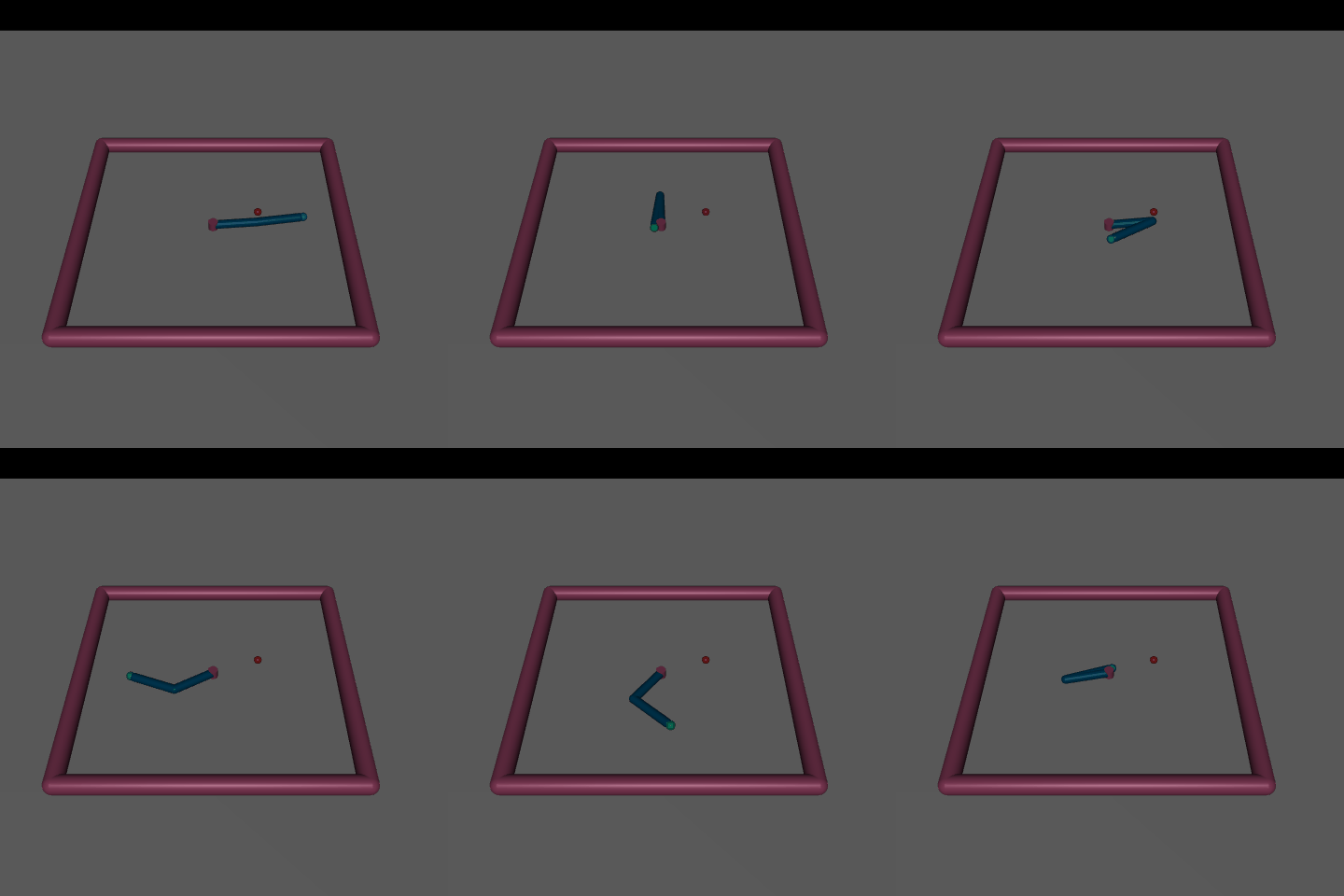

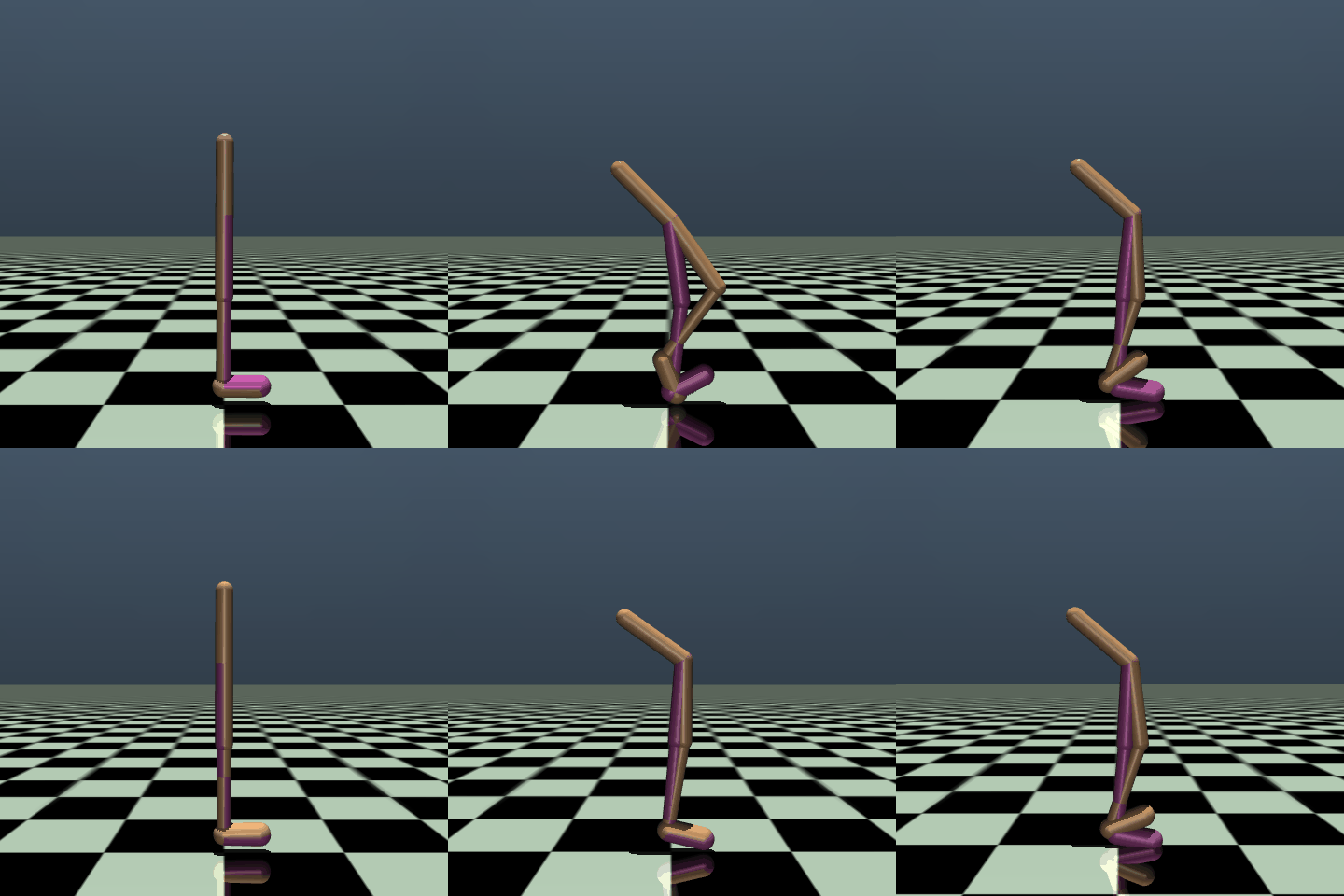
MuJoCo stands for Multi-Joint dynamics with Contact. It is a physics engine for facilitating research and development in robotics, biomechanics, graphics and animation, and other areas where fast and accurate simulation is needed. There is physical contact between the robots and their environment - and MuJoCo attempts at getting realistic physics simulations for the possible physical contact dynamics by aiming for physical accuracy and computational efficiency.
Learn more about this environment here.
Features
The key features of each scenario are summarized in the table below:
Env-id |
Observation Space |
Action Space |
|---|---|---|
Ant-v4 |
|
|
HalfCheetah-v4 |
|
|
Hopper-v4 |
|
|
HumanoidStandIp-v4 |
|
|
Humanoid-v4 |
|
|
InvertedDoublePendulum-v4 |
|
|
InvertedPendulum-v4 |
|
|
Pusher-v4 |
|
|
Reacher-v4 |
|
|
Swimmer-v4 |
|
|
Walker2d-v4 |
|
|
Installation
The MuJoCo environment is not included with the installation of XuanCe. As an external package, it needs to be installed separately.
pip install gymnasium[mujoco]
备注
If you’re using macOS and encounter the following error:
zsh: no matches found: gymnasium[mujoco]
You can resolve it by typing the command as follows:
pip install 'gymnasium[mujoco]'
Arguments
In XuanCe, the arguments for running MuJoCo environment are listed below.
Arguments |
Value/Description |
|---|---|
|
“MuJoCo” |
|
The env-id. |
|
Choose the method to vectorize the environment. |
|
The number of environments that run in parallel. |
|
The env-seed for the first environment of vectorized environments. |
|
The render mode to visualize the environment, default is “human”. Choices: “human”, “rgb_array”. |
Run in XuanCe
In XuanCe, if you want to run the MuJoCo environment, you can specify the arguments in your config file. For example:
env_name: "MuJoCo"  # The name of classic control environment.
env_id: "Ant-v4"  # The env-id of the tasks in classic control environment.
env_seed: 1  # The random seed of the task.
vectorize: "SubprocVecEnv"  # Choose the method to vectorize the environment.
parallels: 10  # The number of environments that run in parallel.
render_mode: "rgb_array"  # The render mode.
You can also make the environments in the Python console to have a test:
from xuance import make_envs
from argparse import Namespace
envs = make_envs(Namespace(env_name="MuJoCo",
                           env_id="Ant-v4",
                           vectorize="DummyVecEnv",
                           parallels=1,
                           env_seed=1))
envs.reset()
To run a DRL demo with MuJoCo environment, you can refer to the Quick Start.
Atari
Overview

Features
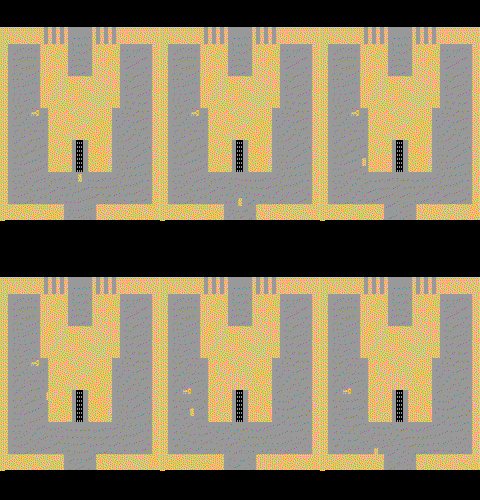
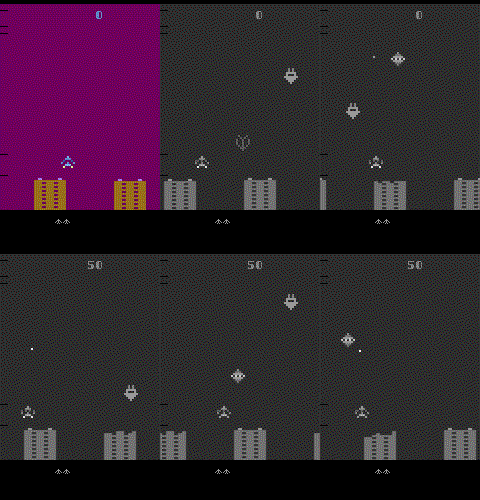
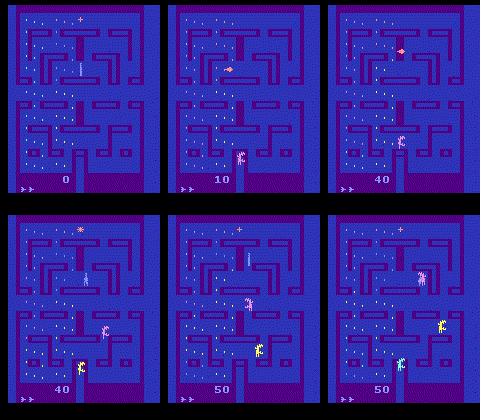
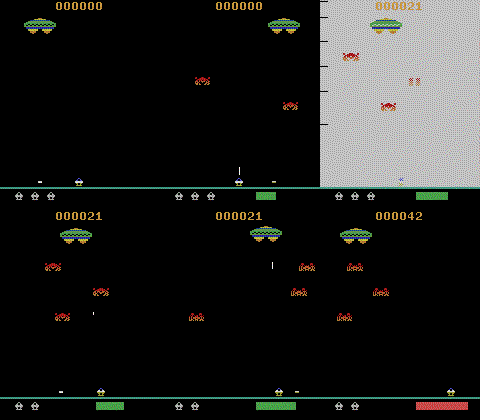
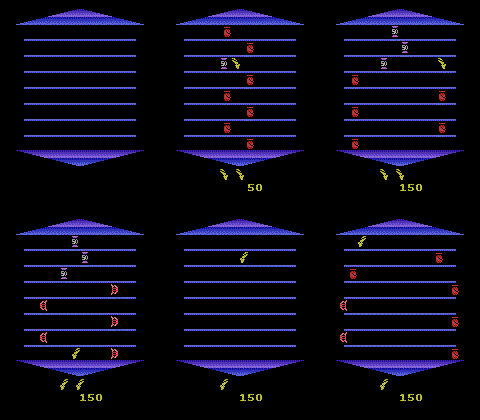
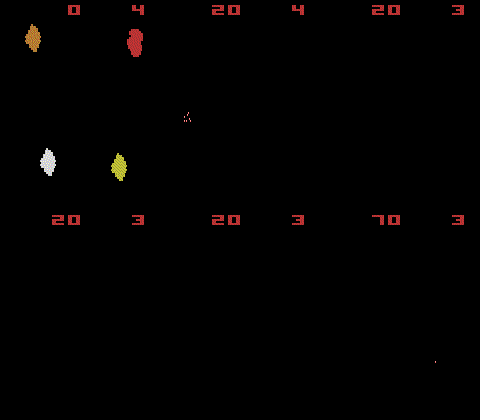
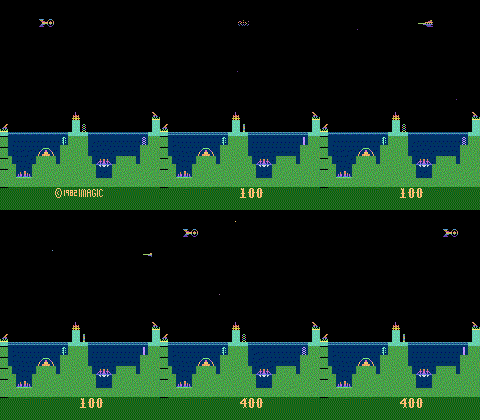
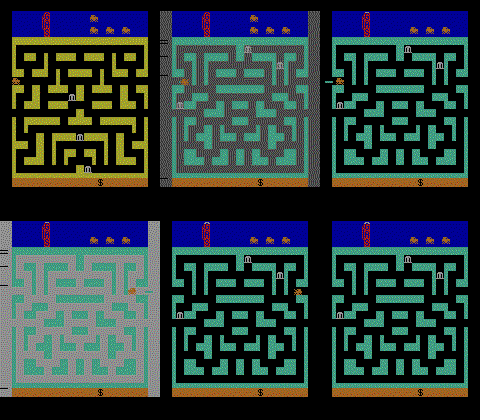
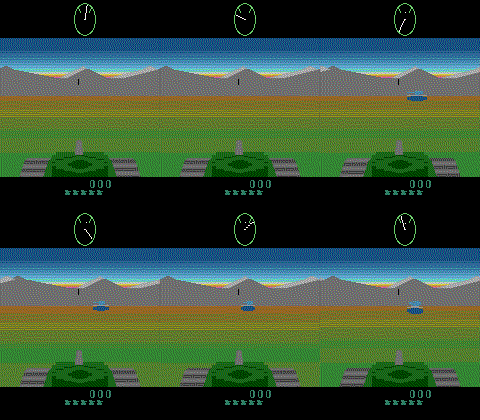
The Atari environment contains 62 different tasks, which are simulated via the Arcade Learning Environment (ALE).
Action space:
The complete action space of Atari contains 18 discrete actions.
By default, all actions can be performed on Atari 2600 are available.
If you specify the full_action_space=False, only a reduced number of actions are available in that game,
which can reduce the complexity of the training. That is also the default setting in XuanCe.
Num |
Action |
Num |
Action |
Num |
Action |
|---|---|---|---|---|---|
0 |
Noop |
6 |
UpRight |
12 |
LeftFire |
1 |
Fire |
7 |
UpLeft |
13 |
DownFire |
2 |
Up |
8 |
DownRight |
14 |
UpRightFire |
3 |
Right |
9 |
DownLeft |
15 |
UpLeftFire |
4 |
Left |
10 |
UpFire |
16 |
DownRightFire |
5 |
Down |
11 |
RightFire |
17 |
DownLeftFire |
Observation space:
The observation space can be specified by the obs_type argument in XuanCe’s config file.
|
Description |
|---|---|
“rgb” |
observation_space=Box(0, 255, (210, 160, 3), np.uint8) |
“grayscale” |
Box(0, 255, (210, 160), np.uint8) |
“ram” |
observation_space=Box(0, 255, (128,), np.uint8) |
Installation
The Atari environment is not included with the installation of XuanCe. As an external package, it needs to be installed separately.
After installing XuanCe, you need to install Atari dependencies via the following command:
pip install gymnasium[accept-rom-license] gymnasium[atari]
pip install atari-py==0.2.9 ale-py==0.7.5
备注
If you’re using macOS and encounter the following error:
zsh: no matches found: gymnasium[accept-rom-license]
You can resolve it by typing the command as follows:
pip install 'gymnasium[accept-rom-license]' 'gymnasium[atari]'
And then, reinstall atari-py and ale-py:
pip install atari-py==0.2.9 ale-py==0.7.5
Arguments
In XuanCe, the arguments for running MuJoCo environment are listed below.
Arguments |
Value/Description |
|---|---|
|
“Atari” |
|
The env-id. (For example, “ALE/Breakout-v5”) ] |
|
Choose the method to vectorize the environment. |
|
The number of environments that run in parallel. |
|
The env-seed for the first environment of vectorized environments. |
|
The render mode to visualize the environment, default is “human”. Choices: “human”, “rgb_array”. |
|
The observation type. Choices: “rgb”, “grayscale”, “ram”. |
|
The number of frames to skip at each step. |
|
Whether to use the full action space, default is False. |
|
The observed image size, default is [210, 160]. |
|
Frame stack trick. |
|
Do Noop action for a number of steps in [1, noop_max] |
Run in XuanCe
In XuanCe, if you want to run the Atari environments, you can specify the arguments in your config file. For example:
env_name: "Atari"  # The name of classic control environment.
env_id: "ALE/Breakout-v5"  # The env-id of the tasks in classic control environment.
env_seed: 1  # The random seed of the task.
vectorize: "Dummy_Atari"  # Choose the method to vectorize the environment.
parallels: 10  # The number of environments that run in parallel.
render_mode: "rgb_array"  # The render mode.
obs_type: "grayscale"  # choice for Atari env: ram, rgb, grayscale
img_size: [84, 84]  # default is [210, 160].
num_stack: 4  # frame stack trick
frame_skip: 4  # frame skip trick
noop_max: 30  # Do no-op action for a number of steps in [1, noop_max].
You can also make the environments in the Python console to have a test:
from xuance import make_envs
from argparse import Namespace
envs = make_envs(Namespace(env_name="Atari",
                           env_id="ALE/Breakout-v5",
                           vectorize="Dummy_Atari",
                           parallels=1,
                           env_seed=1,
                           obs_type="grayscale",
                           img_size=[84, 84],
                           num_stack=4,
                           frame_skip=4,
                           noop_max=30))
envs.reset()
To run a DRL demo with Atari environment, you can refer to the Quick Start.
APIs
- class xuance.environment.single_agent_env.gym.Gym_Env(*args: Any, **kwargs: Any)[源代码]
基类:
Wrapper- 参数:
env_id (str) – The environment id of Atari, such as “Breakout-v5”, “Pong-v5”, etc.
env_seed (int) – The random seed to set the environment.
render_mode (str) – “rgb_array”, “human”
- class xuance.environment.single_agent_env.gym.LazyFrames(frames)[源代码]
基类:
objectThis object ensures that common frames between the observations are only stored once. It exists purely to optimize memory usage which can be huge for DQN’s 1M frames replay buffers. This object should only be converted to numpy array before being passed to the model.